
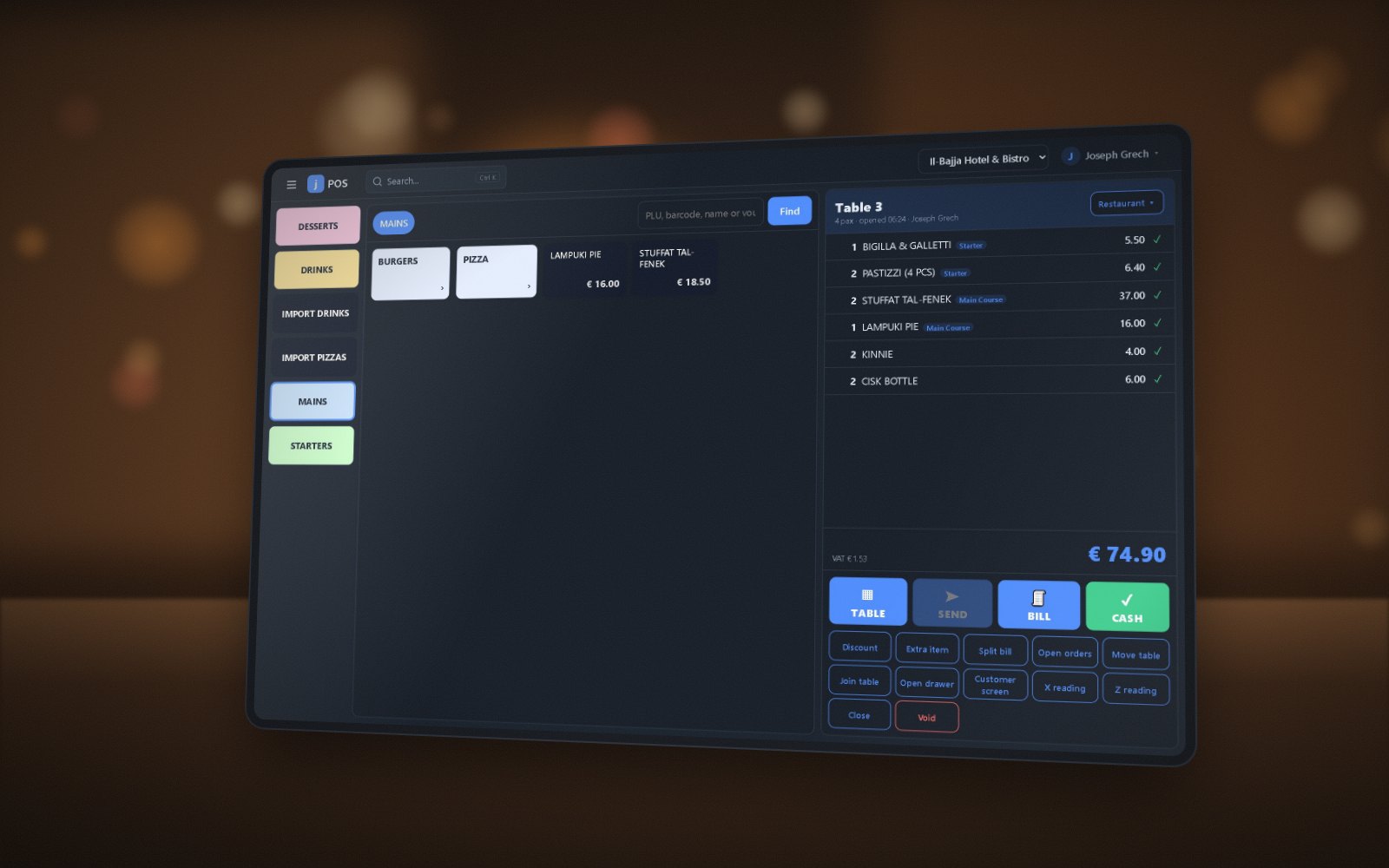
Restaurants & bars
Fast table service from the order to the kitchen, with split bills, courses and a live kitchen display.
- Table plan
- Kitchen display
- QR ordering
- Bolt & Wolt
- Kiosk
Run shops, restaurants, hotels, salons and ticketed venues in jPOS. Sell at the counter or online, manage stock and bookings, and bring the figures together in one ERP.
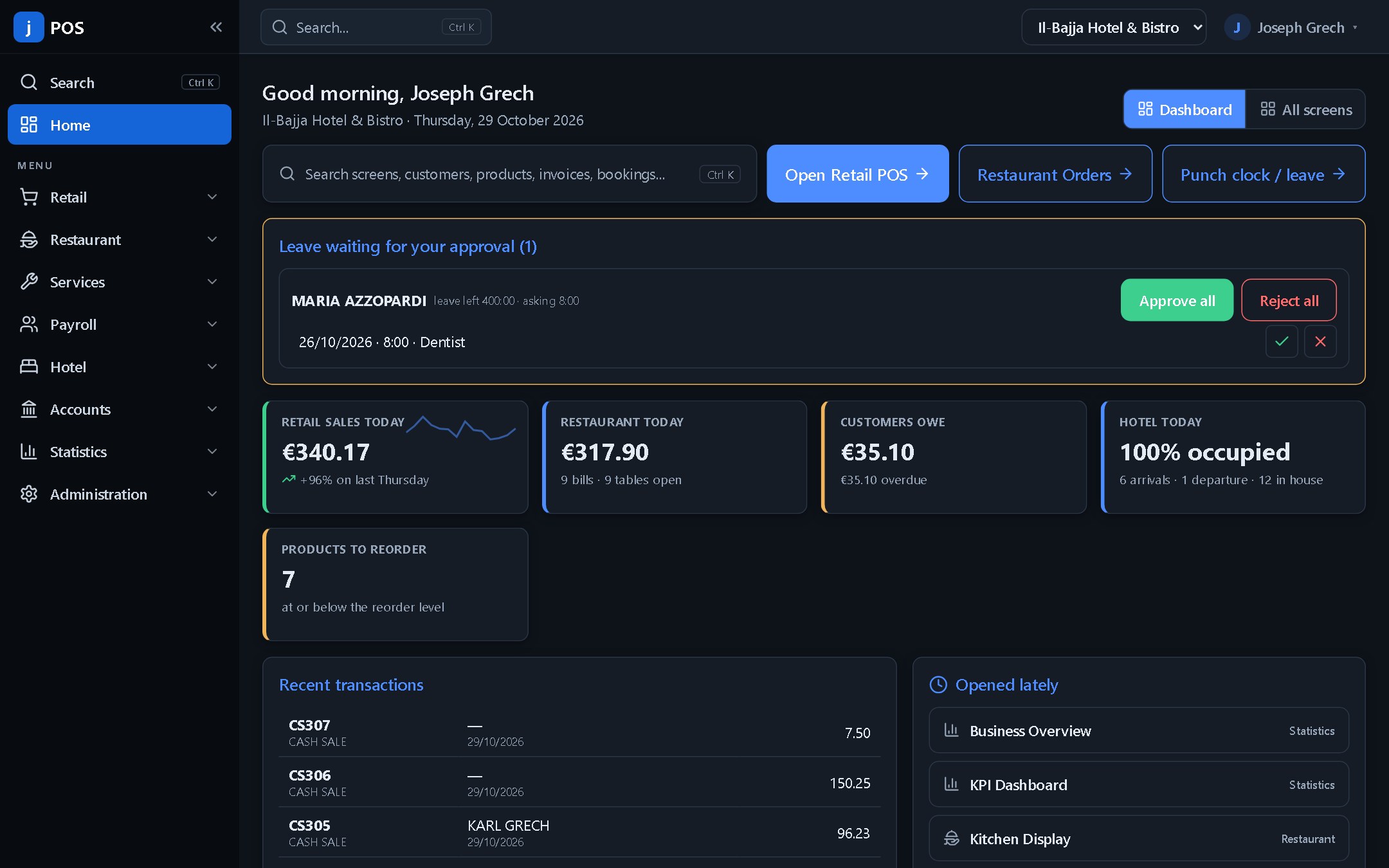
Run a single location or a group of outlets, with the tools each team needs and reporting across the business.
Fast table service from the order to the kitchen, with split bills, courses and a live kitchen display.
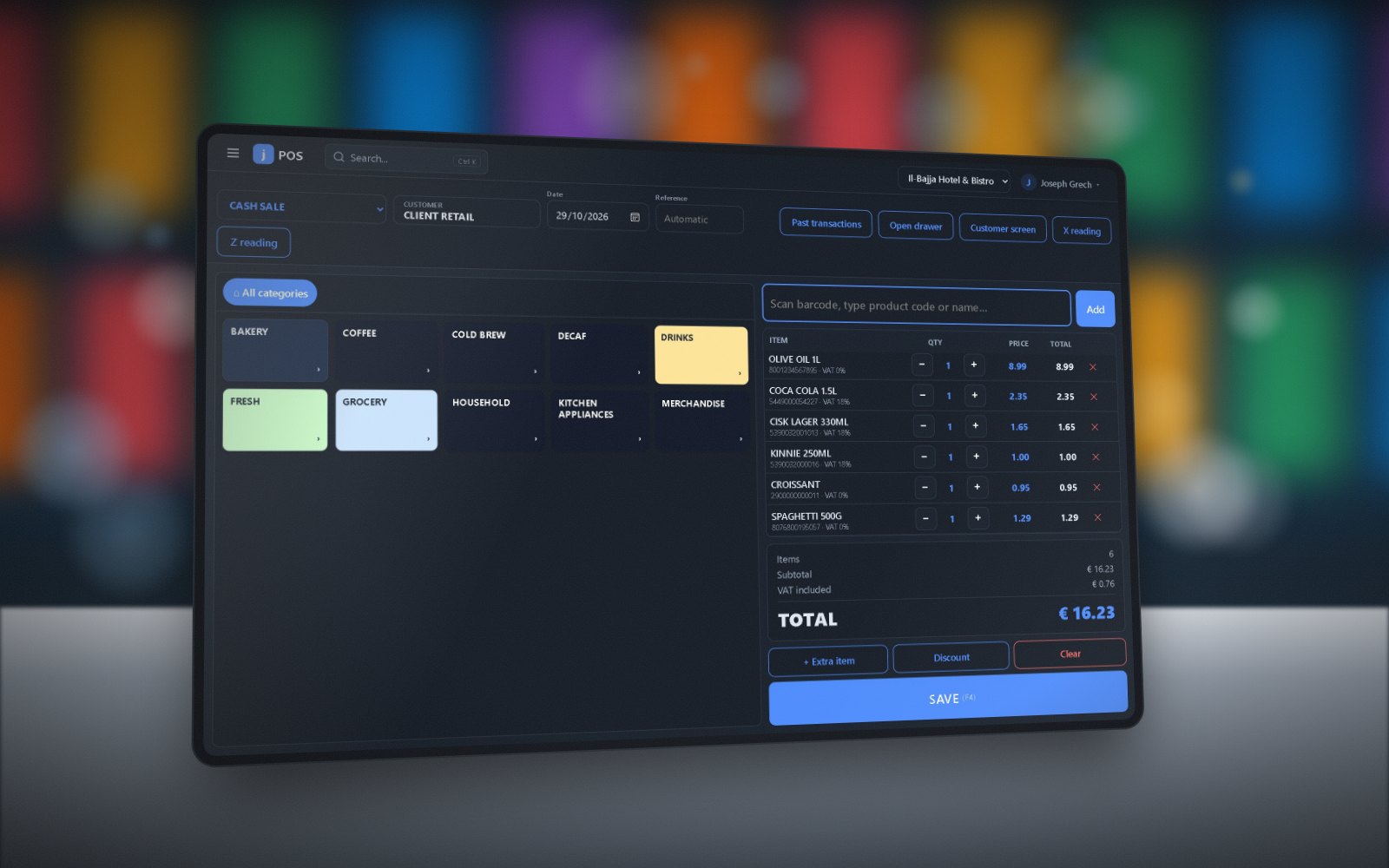
A quick till with barcodes, scales and loyalty — that keeps selling even when the internet drops.
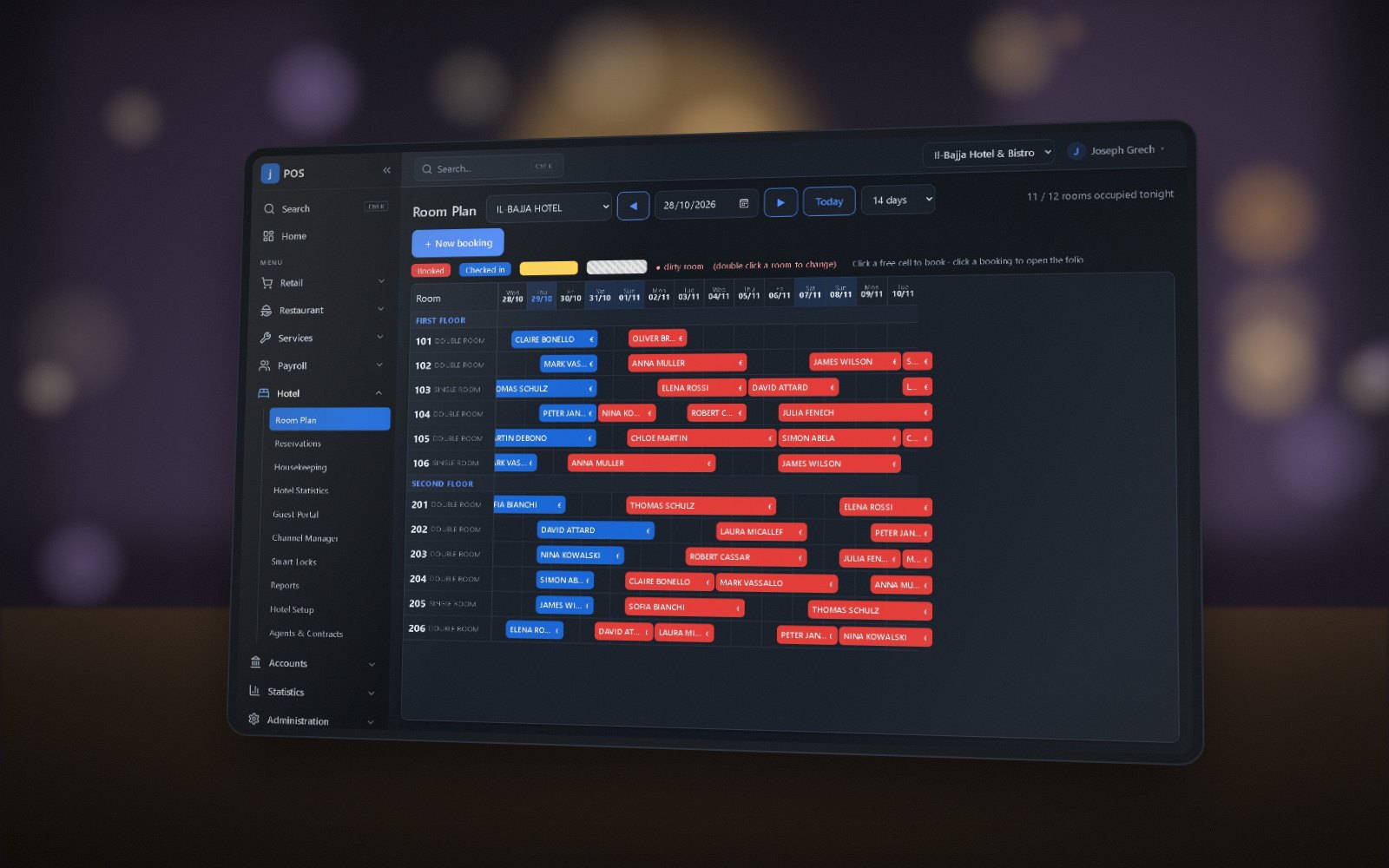
Every room and booking on one plan, with the guest folio, housekeeping and restaurant room charge.
Connect front-of-house sales and bookings with purchasing, stock, finance and business reporting.
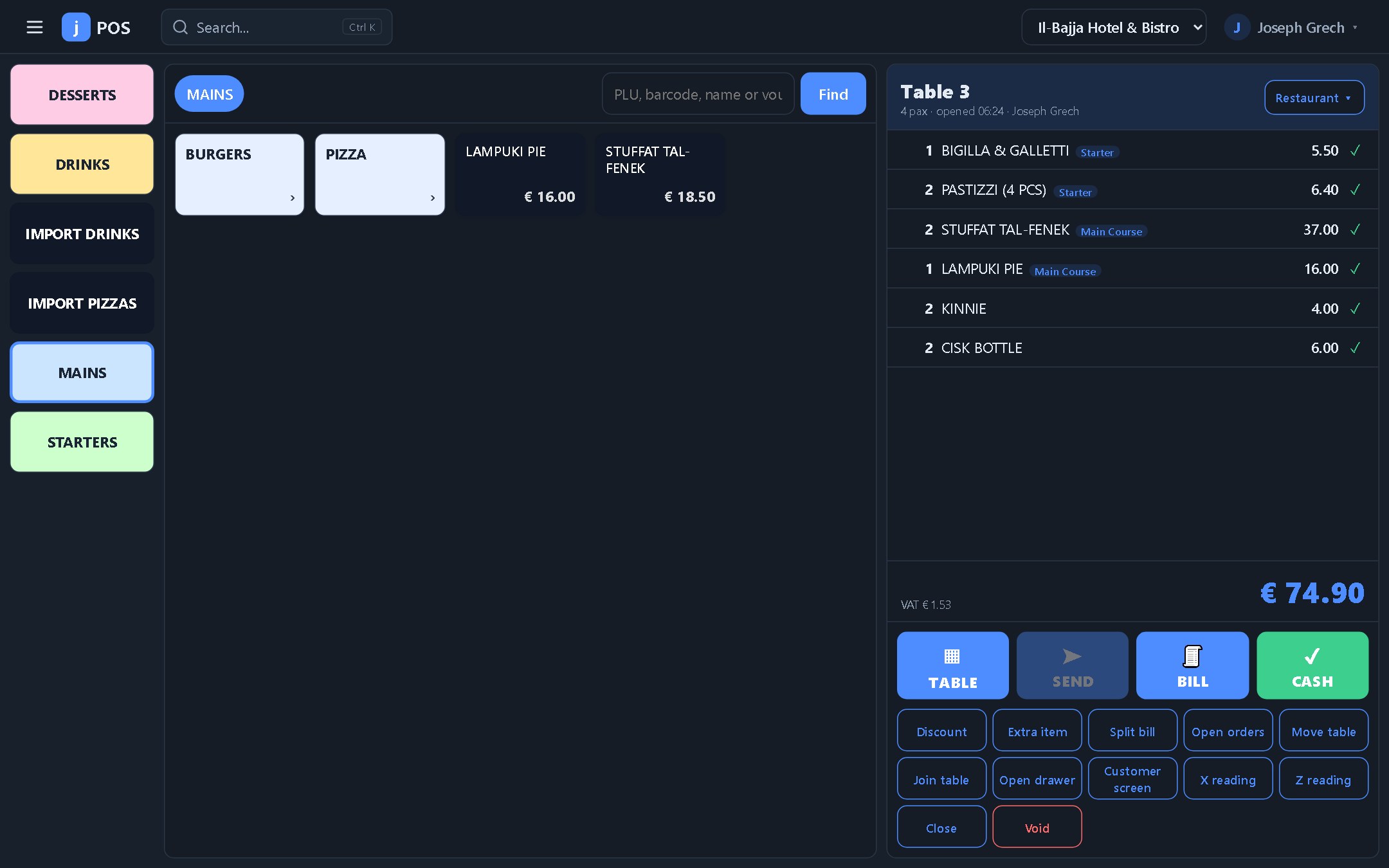
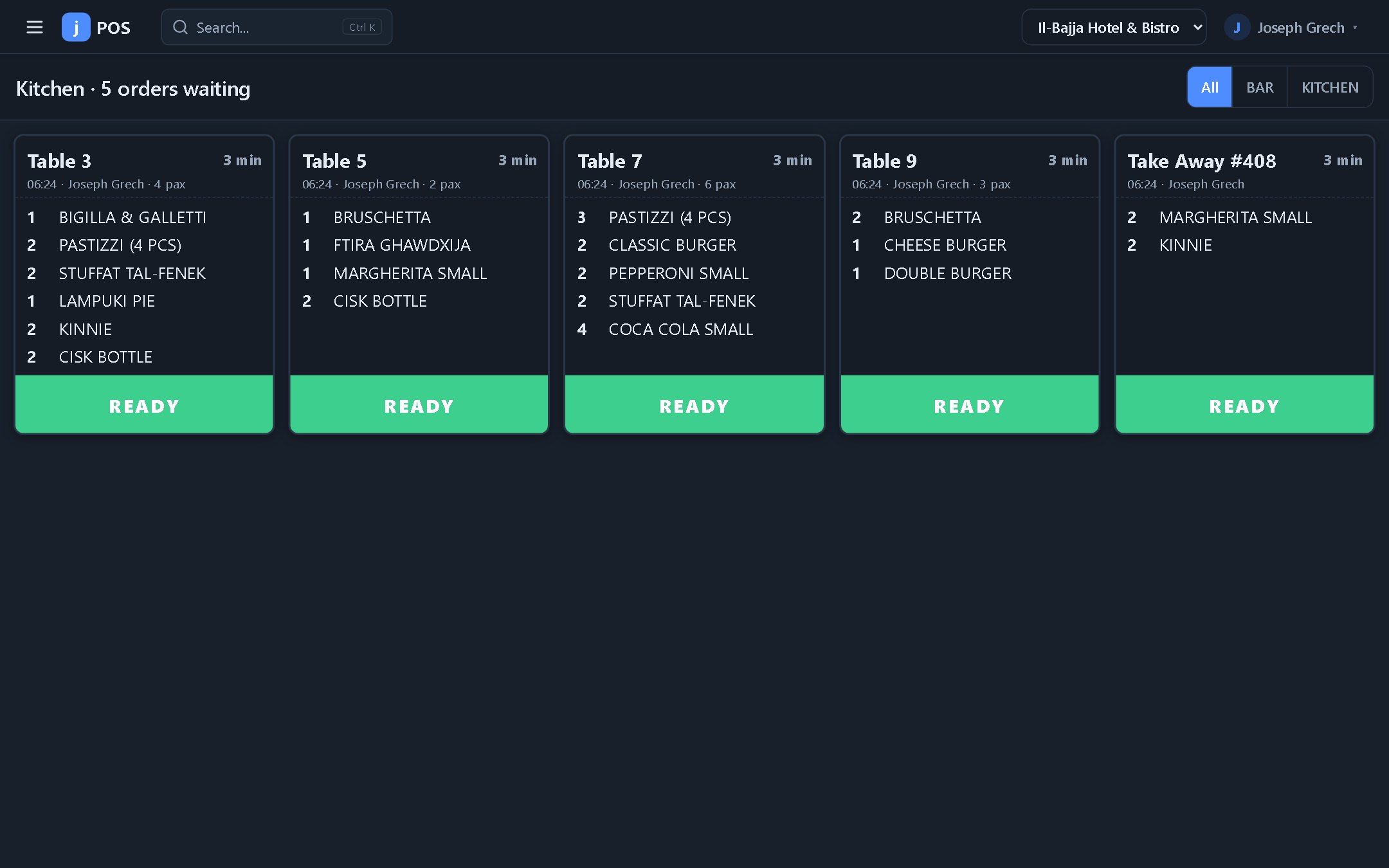
A touch screen made for busy service. Punch the items and send them to the kitchen or the bar — by course if you like.
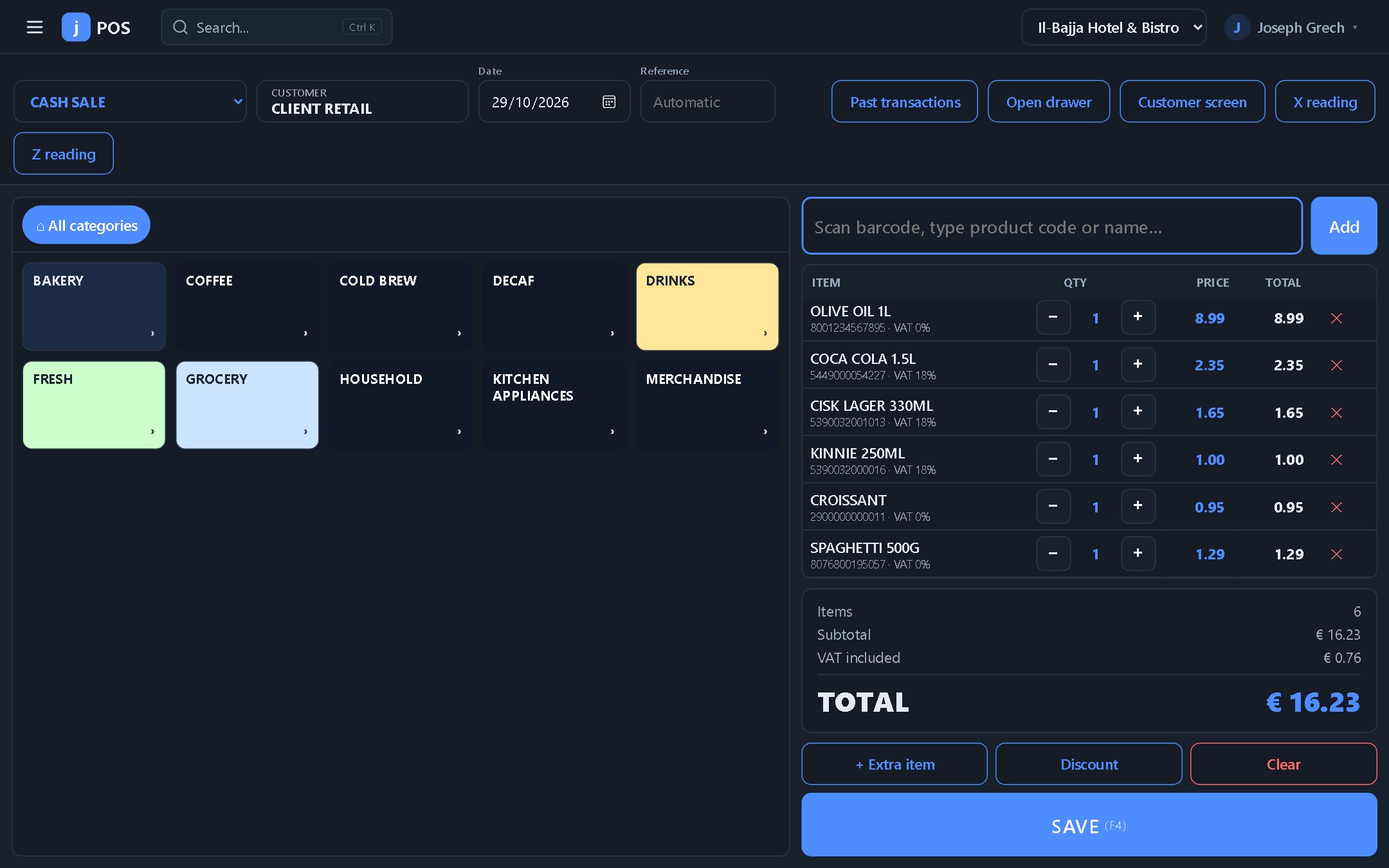
Scan, sell and print in seconds. If the internet drops, the till carries on and sends everything when it is back.
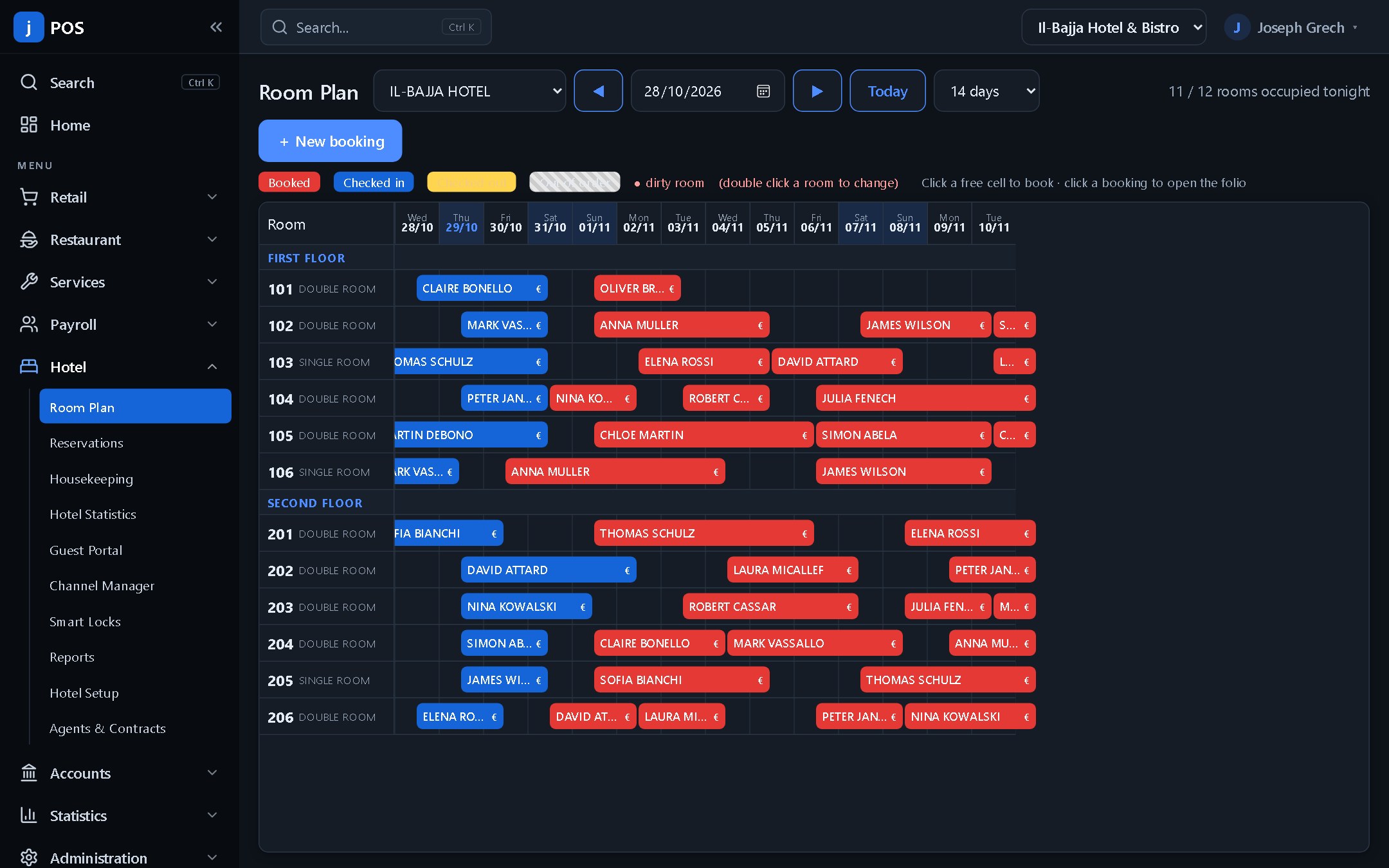
See every room and booking on one plan. Check guests in and out, and keep their folio up to date with what they spend in the restaurant.
Keep sales, purchases and finance in the same ERP. Post transactions to the double-entry ledger, track what customers owe and reconcile what came into the bank.
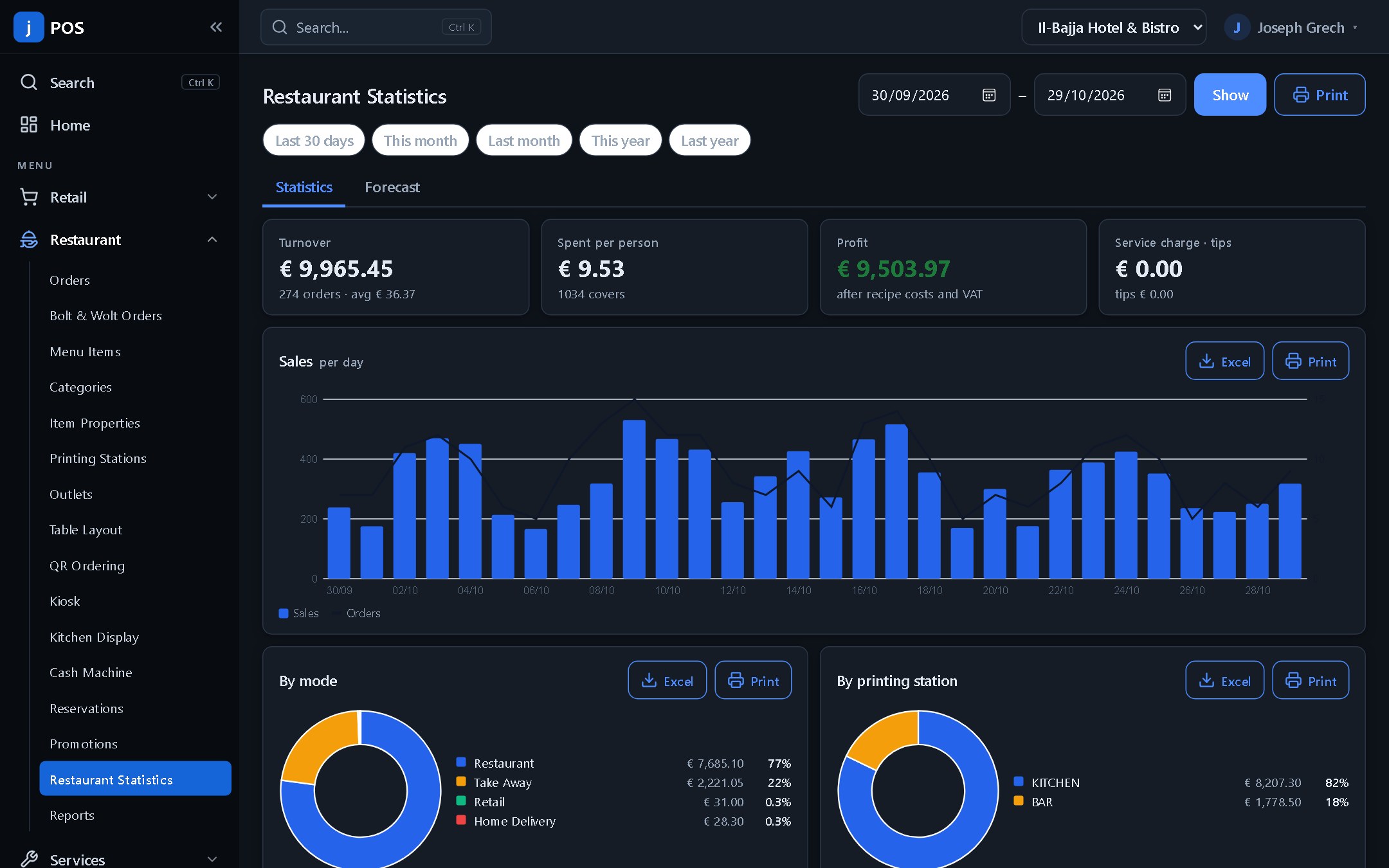
See how the business is performing across sales, employees, HR, projects and stock. Compare periods, follow monthly sales targets and drill into the figures behind them.
Share a booking link or put a QR code on tables, at reception or at the box office.
Diners scan a table QR code, browse the menu and send orders into your restaurant workflow. A self-service kiosk is also available.
Let diners check availability and reserve a table from your website or a shareable booking link.
Publish treatments and services with available times so clients can book from your website or scan a QR code at reception. Take deposits where configured and use reminders to help clients keep their appointments.
Let guests book rooms directly, then use the guest portal to check in, pay, request services or order room service where enabled.
Sell event and attraction tickets online and at the box office. Configure sessions and seating, issue tickets and validate admission with QR scanning.
Share your storefront with customers and manage products and web orders alongside your counter sales.
Follow an enquiry through to a quote, a production job or a rental booking, then bring the result into your accounts.
Define the steps a transaction, lead, project, repair or leave request goes through. Control who can move it to the next stage and trigger actions such as sending a notification when a rule is met.
Turn sales orders into production jobs, define steps and materials, and assign work to employees. Track materials used, print labels for finished pieces and link production to the customer invoice.
Create leads, record where enquiries came from and track them through your sales workflow. Turn a lead into a customer record and prepare a quotation from the same system.
Book equipment or other rentable stock, record when it goes out and comes back, and see what is overdue. Calculate rental and overtime charges and raise an invoice from the rental.
Upload scans or import invoices sent by email through Veryfi. jPOS brings in the invoice data and line items, helps match suppliers and products, and lets you compare against a purchase order before posting with the original attached.
Manage purchase orders, supplier invoices and shipments. Allocate freight, duty and other eligible shipment expenses to stock items by quantity, weight or value.
Plan projects and assign tasks, manage workshop repairs through their stages, and see upcoming work in the shared calendar.
Maintain employee records, build rosters, capture clock-ins and manage leave requests. Track company assets and handle recruitment through the vacancies module.
Use built-in connectors for common platforms or build your own integration with the jPOS API.
Ask questions about business data in plain language. Set up a customer-facing AI agent for web chat, WhatsApp or voice.
Use scoped API keys for retail, restaurant, hotel and ticketing integrations. Subscribe to webhooks to receive events in your own systems.
Connect Shopify, WooCommerce or Wix for ecommerce, and receive orders from supported delivery platforms such as Bolt and Wolt.
Connect supported payment providers, booking channels and smart locks to your sales and guest workflows.
Connect compatible tills, printers and peripherals through the jPOS Windows Print Agent. Talk to us about hardware and setup options for your location.
The till and the restaurant keep selling without internet and send everything later.
Runs in the browser on PCs, tablets and phones. Nothing to install — dark mode included.
Several companies, outlets and departments from one account, each with its own figures.
User rights and groups, login codes on new devices and a tamper-evident audit log.
Yes. You can link to jPOS booking pages for appointments, tables and rooms. The hotel booking widget can also be embedded on your own website.
Yes. One jPOS account covers restaurant, retail and hotel, with shared reporting and accounting across companies and outlets.
The retail till and the restaurant order screen keep working offline. Sales are kept on the till and sent to the system as soon as the connection is back.
Yes. Bolt and Wolt orders come into jPOS on their own and go straight to the kitchen, without typing them in again.
jPOS works with compatible touch screens, printers, cash drawers, scanners, scales and customer displays. Ask us about supply and setup for your location.
No. jPOS runs in the browser on PCs, tablets and phones. A small print agent is only needed on the computer that drives the printers, cash drawer and other devices.
Tell us how to reach you. We’ll walk you through the modules and integrations that fit your business.